


Best Teleprompter App That Records Screen and Face
The best teleprompter screen recording app for iPhone is DemoScope, which scrolls your script on screen while recording your display and face cam.
Tips and tutorials for mobile content creators
The best teleprompter screen recording app for iPhone is DemoScope, which scrolls your script on screen while recording your display and face cam.
Yes. DemoScope records your Android screen with your face cam overlaid, plus other apps with a floating face cam. Setup steps and real limits.

The best Loom alternative for training videos you record on your phone is DemoScope, with face cam, teleprompter and touch indicators built in.
Stream Roblox from your iPhone to YouTube with your face on screen using DemoScope's Stream mode and Other App source. Setup steps, limits and specs.
Yes. DemoScope records App Store promo videos on your iPhone, iPad or Android with a face cam overlay and touch indicators, no video editor needed.
Yes, but not inside DemoScope. Here's how to get multiple platform clips from one recording session on iPhone, iPad or Android, honestly.

Record a Product Hunt demo video on your phone with a face cam overlay: the exact steps, the real limits, and free alternatives on iPhone and Android.
Yes. DemoScope is a one-time purchase Dropbox Capture alternative for mobile, recording your iPhone or Android screen with a face cam.
Yes. DemoScope is a ScreenPal alternative for mobile recording on iPhone, iPad and Android, with a face cam overlay, touch dots and teleprompter.

Yes. Learn how to record other app face cam Android free using DemoScope's Other App mode, what the free tier limits are, and where it falls short.

Android screen recording show taps: turn on the Show taps developer setting, or use DemoScope's Touch Indicators for in-app recordings.
DemoScope records mobile gameplay with a floating face cam via Other App mode on iPhone and Android. Here's the setup, the limits and the free way.

The best app to record an app demo video on Android is DemoScope: screen plus face cam, teleprompter and drawing over your app, free or $19.99 Pro.
DemoScope lets you draw on the screen while screen recording on your phone, on iPhone, iPad and Android, with the drawing baked into the video.

Yes. DemoScope is a one-time purchase screen recorder app for iPhone with no subscription, $19.99 once for face cam, touch dots and clean MP4s.
Live stream your phone screen to Twitch with a face cam using DemoScope Stream mode and the Other App source. Steps, bitrate settings and real limits.

To screen record on Android with a teleprompter, use DemoScope's built-in scrolling teleprompter, which also runs over other apps. Full steps inside.

DemoScope Android vs iPhone features compared: the recording core is identical, but Android's Other App mode keeps the teleprompter, drawing and text tools.
Pick the right iPhone live stream bitrate settings: 4500 kbps video and 128 kbps audio for Wi-Fi, 2500 kbps on cellular, plus how to set them.

Yes, you can stream a video from your camera roll on iPhone: DemoScope's Stream mode pushes it live to Twitch, YouTube or Facebook over RTMP.
Yes, you can flip the camera while screen recording on iPhone. Here is how to switch between front and back camera mid-take with DemoScope.
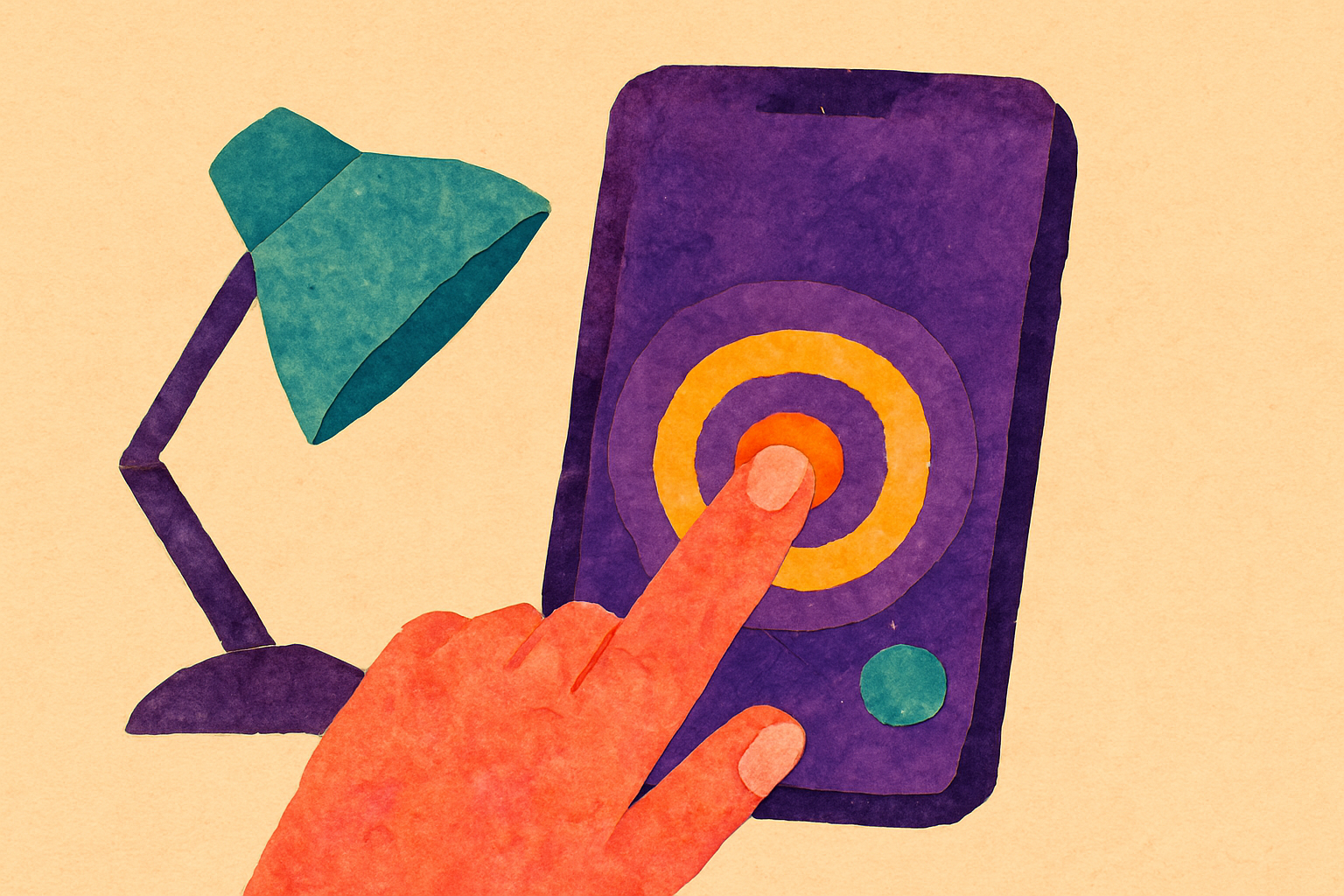
You can draw on screen while recording on iPhone using DemoScope's Drawing and Text on Screen tools, which bake annotations into the video live.

Yes. DemoScope's Touch Indicators let you customize touch indicator color on iPhone during in-app recording. Here are the steps and the limits.
The free screen recorder time limit on iPhone with a face cam is 10 minutes per take in DemoScope, watermarked. Here is how to record it and what you lose.

Stream your iPhone screen to Facebook Live with a face cam overlay using DemoScope's RTMP Stream mode. Steps, stream key setup, bitrates and real limits.
Change your face cam shape while recording your iPhone screen in DemoScope: circle, square, vertical or horizontal rectangle, set before you hit record.
You resize the face cam bubble on iPhone by pinching it inside a recording app like DemoScope, then dragging it to the corner you want before you record.

How to record screen and face same time on iOS in 2026, with a face cam overlay, the right setup order, and fixes for mic and storage problems.

How to make a professional app preview video on iPhone: a 30-second shot plan, the on-device recording setup, and the mistakes that get previews rejected.
The best free iPhone screen recorder face cam setup is DemoScope's face cam overlay, free with a watermark and a 10-minute cap per take.

Record a bug report video with a face cam on iPhone using DemoScope's floating PiP camera overlay, then narrate the repro steps in any app.
Yes. DemoScope (HD Face Cam Screen Recorder on Google Play) records your Android screen with a face cam, even over other apps, with teleprompter and drawing.
Remove the watermark from iPhone screen recordings: iOS built-in recorder never adds one, and DemoScope Pro ($19.99 one-time) exports clean MP4s.

Yes. DemoScope's External PiP "Other App" mode lets you record any app on your iPhone with a face cam free, with a watermark and a 10-minute cap.
How to screen record with front camera on iPhone in three steps, plus where to place the face cam bubble and the mistakes that ruin good takes.
The best way to make an iPhone tutorial video is one pass with face cam, touch indicators, and a teleprompter, no computer and no editing.
How to record an app demo with your face on iPhone: face cam overlay, touch indicators, and a one-take workflow that ends in your camera roll.
A teleprompter screen recorder scrolls your script on screen while your iPhone records, so you read the line instead of memorizing 12 takes.
Record your app with DemoScope's Other App mode, trim the clip to 15-30 seconds in Photos, and upload it in App Store Connect. No Mac needed.
Live streaming your iPhone screen to Twitch or Facebook with a face cam takes a stream key and DemoScope's Stream mode. No computer, no capture card.
Screen record vs desktop capture for UGC: phone recording wins for mobile demos. Record your iPhone screen with a face cam overlay using DemoScope.
Stream to Twitch from your iPhone with a face cam using DemoScope's RTMP Stream mode: paste your Twitch key, size your camera bubble, tap start.
A bug report video shows the exact repro steps on video. On iPhone, DemoScope's Other App mode records any app with a floating face cam and voice.
Record a tutorial on your iPhone with voiceover and your camera on using DemoScope's screen recording with face cam overlay. Steps, limits and free options.
Screen recording with webcam overlay on iPhone works through DemoScope's face cam bubble, which records your screen and front camera in one MP4.
To show taps when screen recording on iPhone, use DemoScope's touch indicators: they draw a colored circle at every tap during in-app recording.

How to make an app tutorial on iPhone, record your screen with a face cam and touch indicators in DemoScope, then export a clean MP4.
Record Roblox on iPhone with a facecam using DemoScope's Other App mode: a floating camera bubble sits over your gameplay while iOS records everything.
How to live stream your iPhone screen to YouTube with a face cam overlay, what the built-in iOS tools can't do, and the honest limits of each option.
A practical workflow for recording an app store preview video on a real iPhone, with touch indicators, clean takes, and no editing suite required.
Yes. DemoScope is a phone screen recorder (iPhone, iPad and Android) with a teleprompter overlay only you can see, plus a face cam. Here's the setup, limits and free alternatives.
Most mobile screen recording retakes come from the phone, not you. Fix notifications, mic routing, storage, and mode choice before you hit record.
The best iOS screen recorder with face cam overlay is DemoScope. Here is how it works, what it cannot do, and how it compares to the built-in recorder.
A practical pre-record checklist for any screen recorder with face cam on iPhone, covering mic routing, bubble placement, storage, and retakes.
How to screen record iPhone with face in corner using a face cam overlay app, what the built-in iOS recorder can't do, and the exact steps.
The best tools for app demo videos won't fix notifications, storage, or the wrong recording mode. Here's the 10-minute setup that saves your take.
A teleprompter workflow built for iPhone demos where you're tapping while talking: script in beats, set scroll speed to your slowest tap.
Circle, square, or rectangle? A practical guide to choosing the camera shape for face cam overlay recording on iPhone, plus the setup that prevents retakes.
A follow-up on course content on mobile: how to plan lesson-sized takes, run retakes fast, and record on iPhone when your app has no editor.
The best tools for app demo videos change with the scenario. A practical guide to picking a recorder for single-app flows, multi-app demos, and handoffs.
A different way to plan batch recording content on iPhone: group your clips by capture mode instead of by topic so you stop rebuilding your setup.
A follow-up on face cam overlay recording: how to pick the corner, shape, and size of your camera bubble before you record, since you cannot fix it later.
A 20-minute test protocol for the best tutorial recording apps on iPhone, so you find the dealbreakers before you buy instead of mid-recording.
Loom vs DemoScope for app demos, compared by the places a mobile demo recording actually breaks: capture surface, tap visibility, script reading, and export.
A mobile-first video strategy fails on inconsistent capture, not ideas. Here's the one-page capture standard to lock in on your iPhone in 2026.
Follow-up iPhone screen recording tips for audio: mic choices, room noise, and a 60-second pre-record check that saves you from unusable takes.
Explainer video tips for demoing app features buried three taps deep on iPhone: where to start, how to narrate navigation, and what to skip entirely.
A pre-submission audit for app store preview video requirements: check duration, orientation, resolution, and overlays before you upload.

Your teleprompter workflow breaks the moment you record outside DemoScope. Here's how to script External PiP recordings on iPhone without losing your lines.
Touch indicator benefits are real, but tap dots don't appear in every recording mode. Here's when they apply on iPhone and what to do when they don't.

How to structure a tutorial you record on your iPhone in single takes, with no editing pass: segment by recording mode, not by topic.
Loom vs DemoScope for app demos, decided by what you're shipping: an App Store preview, a bug report, or a launch video. Table, checklist, real limits.
A follow-up on mobile-first video strategy: where the minutes actually go, a 22-minute demo budget, and when recording on iPhone costs you more time.
Most iphone screen recording tips are about technique. These are the iOS settings that silently ruin takes, and how to fix them once.
Screen recording for education gets harder when the lesson is inside an app you don't control. Here's how to record any iPhone app with a face cam.
A follow-up on app store preview video requirements: whether an iPhone-only capture workflow holds up, where face cam belongs, and where it doesn't.
A practical look at the time and setup cost of repurposing screen recordings by re-recording on iPhone instead of re-cutting in an editor.
iPhone screen recording tips for long takes: storage, mic routing, notifications, and choosing between in-app and External PiP recording modes.
A practical batch recording plan for course content on mobile: how to script, sequence, and record whole lesson sets on iPhone without an editor.
The best tools for app demo videos come down to in-app vs system-wide recording. Here is how to pick, plus what each mode gives up on iPhone.
Repurposing screen recordings usually means editing. On iPhone, re-recording short variants is often faster. Here's the workflow and when it fails.
The best iOS screen recorder apps are the ones that survive interruptions, mic routing, and retakes. Here's how to judge them by failure mode, not features.
A follow-up on screenpal vs mobile recording: how to capture on iPhone, hand off to a desktop editor, and what DemoScope does and doesn't do.
How to showcase app features when your demo is too long: a triage checklist, a feature-type-to-recording-mode table, and what to cut first.
A mobile-first video strategy works best when you audit your backlog first. Here's how to sort videos by recording mode, plus what goes wrong on iPhone.
iPhone screen recording quality settings aren't in the recorder app. See the 4 system settings to check and a table comparing built-in vs DemoScope capture.
A follow-up on the best tutorial recording apps: what mobile recorders skip on purpose, why that's fine, and how to plan a tutorial around the gaps.
The best tools for app demo videos in 2026, judged by retake count: iOS built-in recorder, mirroring to desktop, and DemoScope on iPhone compared.
The hardest part of finding a Loom alternative for mobile creators isn't recording. It's replacing the share link habit. Here's a camera-roll-first workflow.
A repeatable 15-minute test for the best iOS screen recorder apps, plus the failures (mic routing, watermarks, storage) that only show up on playback.
A follow-up on the best tutorial recording apps: when a face cam helps your iPhone tutorial, when it hurts, and how to set the bubble up in DemoScope.
The best tools for app demo videos depend on whether your flow stays inside one app. Here's how to pick for onboarding, deep links, and share sheets.
A loom alternative for mobile creators only works if you know which Loom habits transfer to iPhone. Here's the honest migration map, plus what breaks.
A follow-up on recording quality settings for iPhone: why the resolution picker matters less than storage, mic routing, and what you do before you tap record.
ScreenPal vs mobile recording: why capturing an iPhone through a desktop tool costs you time, and when recording natively on the phone wins.
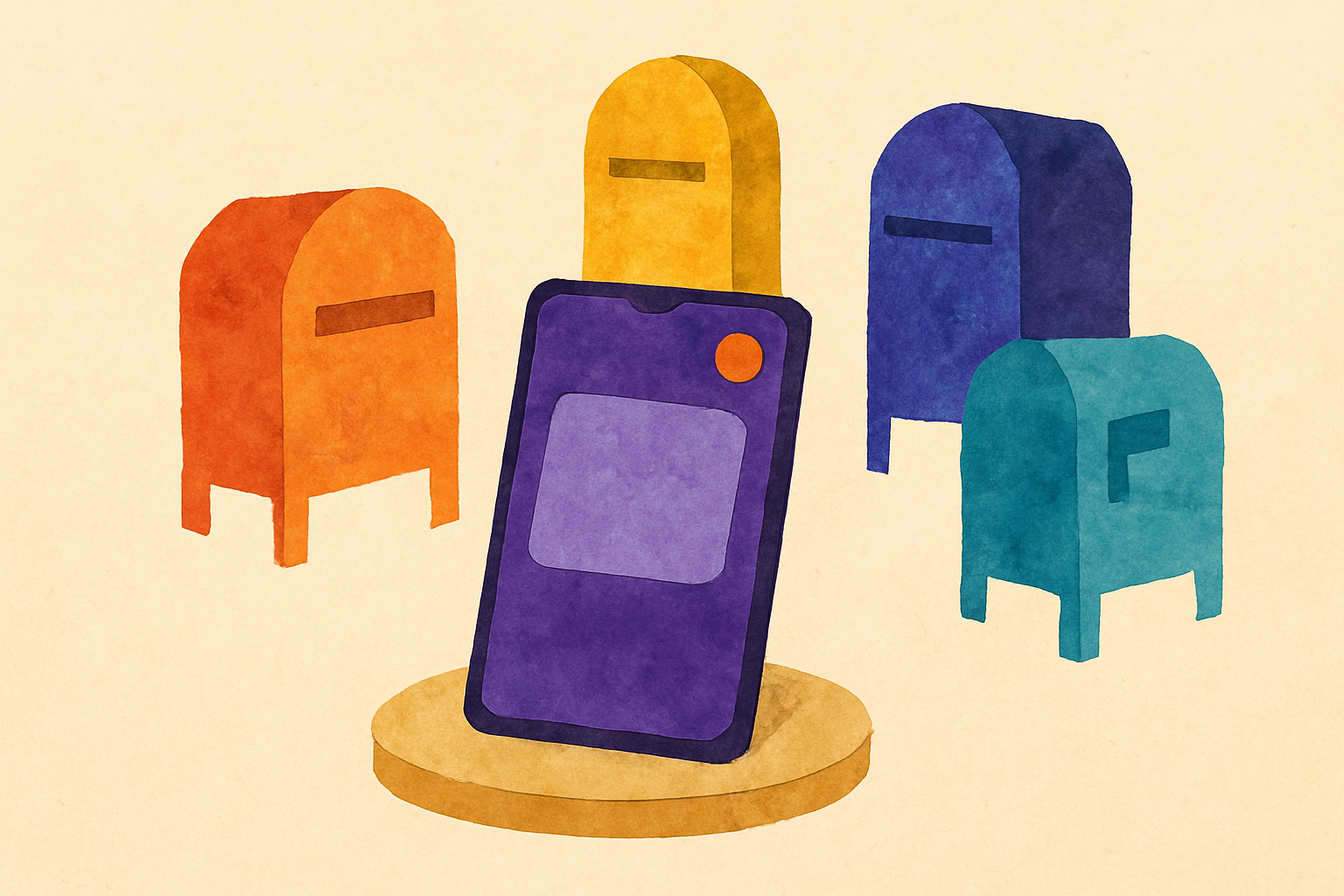
The best tools for app demo videos depend on the destination. Match App Store previews, launch pages, tutorials, and bug reports to the right recorder.
A practical follow-up on running a mobile-first video strategy day to day, mapping each video type you owe to where it should actually get recorded.
A follow-up on record it vs demoscope: how to pick one iPhone recorder, when in-app capture beats system-wide capture, and what each mode gives up.
The best tutorial recording apps in 2026 are the ones that cut retakes. Here's how to audit any iPhone recording app by the takes it forces you to redo.
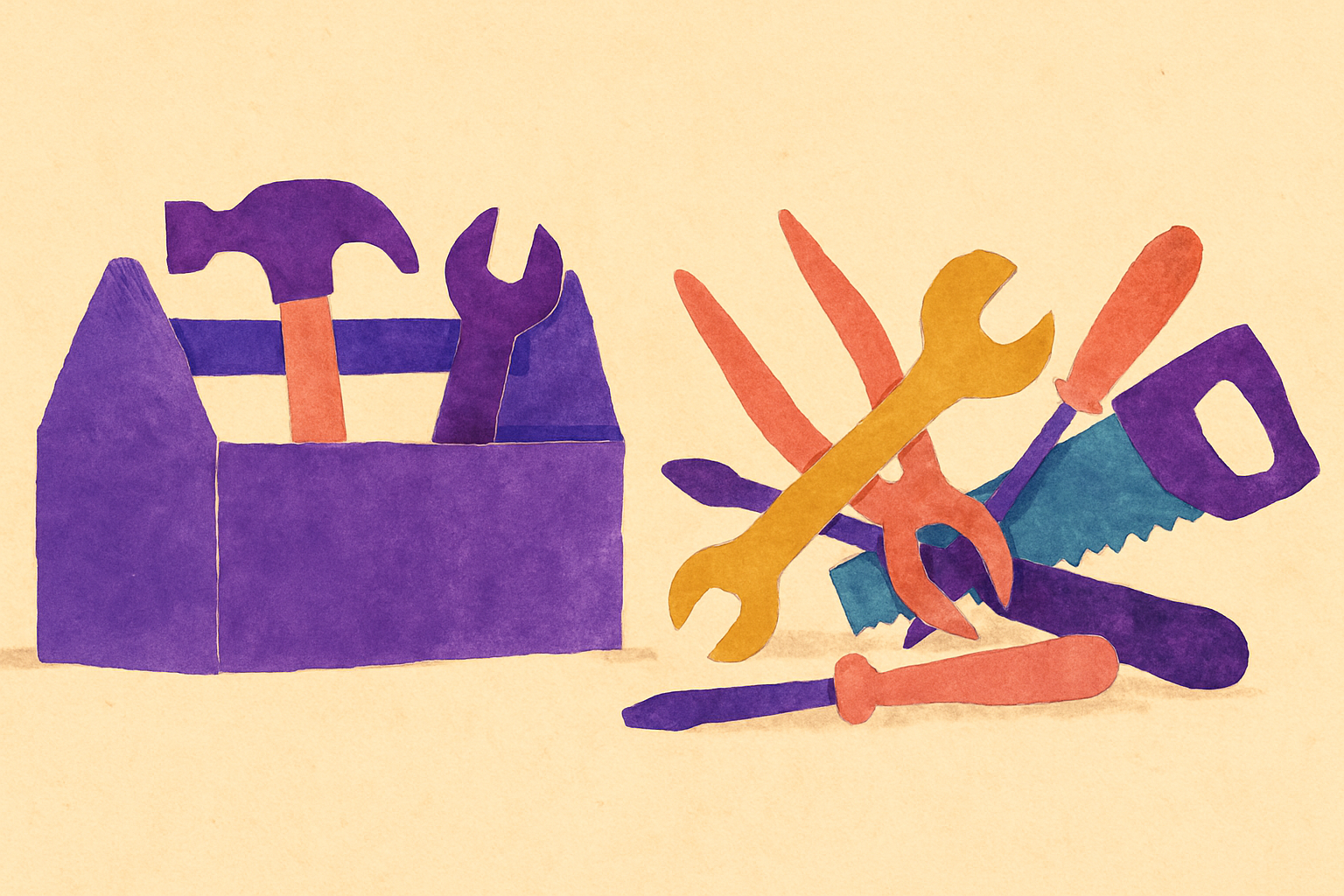
The best tools for app demo videos in 2026 aren't a six-app pipeline. Here's the minimal stack that gets a demo shipped, and where to spend.
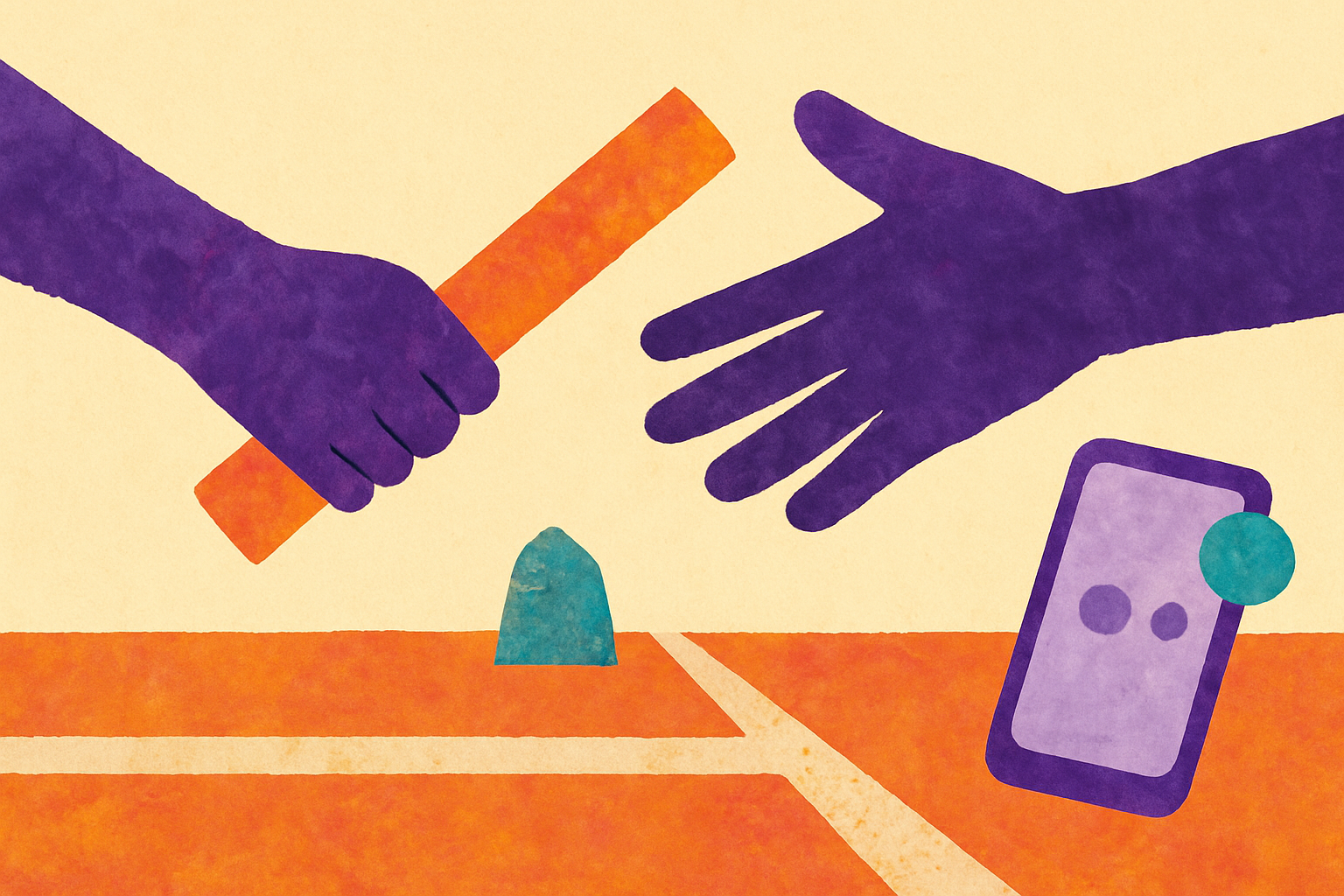
A mobile-first video strategy does not mean mobile-only. Here is where iPhone recording wins, where desktop takes over, and how to draw the line cleanly.
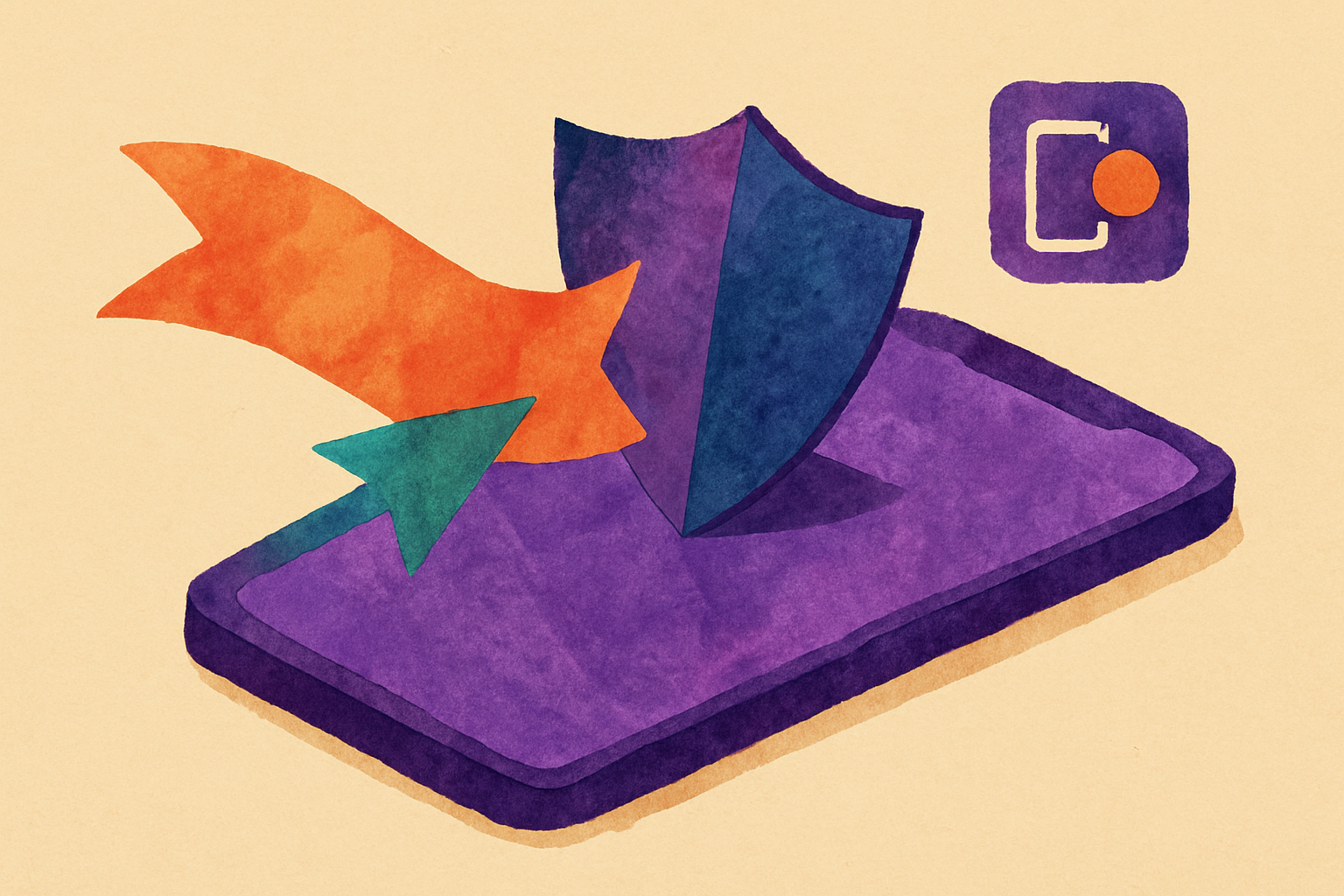
iPhone screen recording tips for prepping your device before you record: storage, notifications, demo data, orientation, and picking the right capture mode.
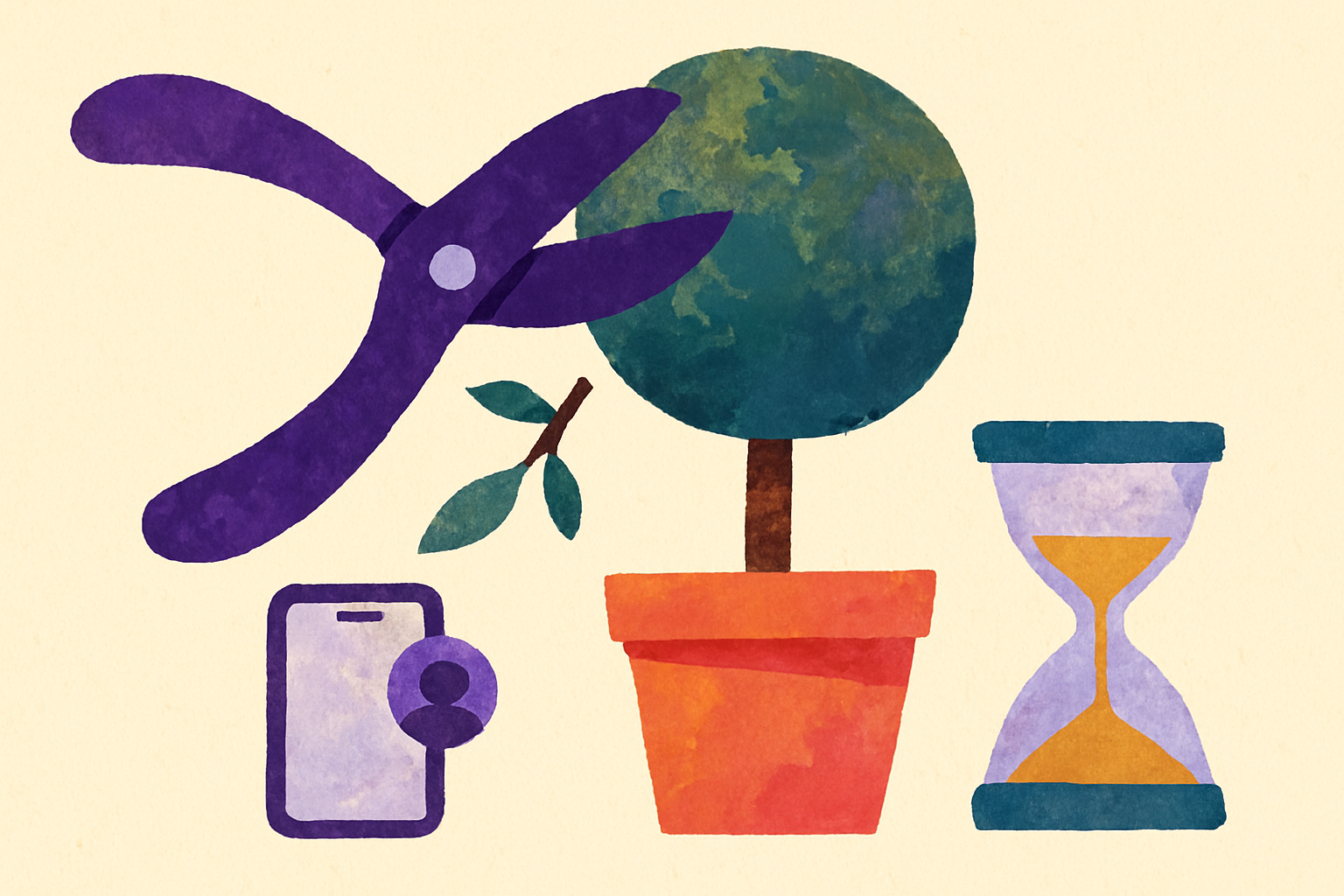
Explainer video tips for hitting a tight runtime on iPhone: pick a target length, cut scope instead of footage, and record clean in one take.
The best tools for app demo videos have to handle flows that leave your app. Here's how to record Mail, Settings, and Safari with your face cam still on.
One-time purchase vs subscription tools: the follow-up question creators keep asking is what happens to your workflow, and your files, after you cancel.
The real touch indicator benefits show up in your script: tap dots let you stop narrating coordinates and start explaining why each step matters.
The best screen recorder for tutorials depends on your platform and audience. Compare options by tutorial type, with a table and pricing from free to $19.99.
A follow-up on loom vs demoscope for app demos: why mirroring your iPhone to a desktop recorder loses touch indicators, teleprompter, and framing.
A teleprompter workflow fails at the writing stage, not the reading stage. How to format demo scripts your iPhone can actually scroll cleanly.
iPhone screen recording tips for fixing problems before you hit record, so your one take is the take you actually ship.
Screen recording for education gets tricky when the lesson lives in another app. Here's how External PiP keeps your face cam on screen across every app.
Discover why app store screenshot vs video quality matters more than resolution. Learn the recording setup that actually converts viewers to downloads.
Skip the complex desktop recording setup. One iPhone can handle screen recording, face cam, and teleprompter for mobile creators ditching Loom.
Recent data shows students engage more with screen recording for education than traditional lectures. Here's what educators are missing.
Learn how to showcase app features with a mobile recording setup that converts. Step-by-step guide for developers who want demos that actually work.
Discover why mobile creators need a Loom alternative for mobile creators that's built iPhone-first. Compare features, workflows, and find your perfect match.
Master the iPhone screen recording workflow that eliminates call interruptions, notification chaos, and the technical hiccups that ruin demos.

Learn how to structure a tutorial that converts viewers into users. Five-part framework proven to drive app downloads from mobile demos.
Real conversion data reveals why the app store screenshot vs video debate isn't even close. Mobile developers see 30% higher downloads with video demos.
Discover the optimal script length for teleprompter workflow success on mobile. Why 150-word segments change everything for natural delivery.
Poor recording setup kills even great explainer video tips. Here's how to optimize your mobile recording environment for professional results.
App Store screenshot vs video performance reveals why Apple's algorithm prioritizes video demos. Learn what data shows about conversion rates in 2026.
Master teleprompter workflow optimization with a script preparation system that eliminates awkward pauses and filler words from your mobile demo videos.
Common iPhone screen recording mistakes that kill your demo videos. Learn what to avoid and how to fix these overlooked recording issues.
Discover which video quality factors matter most for course content on mobile. Learn the recording standards that keep students engaged.
Learn how to showcase app features in demos that feel natural and engaging. Skip the robotic walkthroughs that make viewers click away.
Most creators record first, then figure out repurposing later. This backwards approach wastes hours and kills content quality. Here's the fix.
Why DemoScope's one-time purchase model beats Loom's subscription for mobile creators who need consistent screen recording without monthly fees.
Build a screen recording for education system on mobile that scales. Avoid burnout with sustainable workflows for educational content creation.
Master the teleprompter workflow for mobile recording when scripts change mid-session. Learn pro techniques for handling unexpected script updates on iPhone.
The iOS built-in recorder limitations that destroy professional demos - why face cam and touch indicators matter more than you think.
Learn how educators are using mobile screen recording to create engaging learning content. Practical tips for better educational videos on iPhone.
Common teleprompter workflow mistakes that kill the natural feel of mobile demo recordings and how to fix them for better viewer engagement.
Cut through the noise around app store preview video requirements. Here's what Apple actually enforces versus what developers obsess over.
Master your teleprompter workflow with proven script organization techniques that prevent mobile recording disasters and missed takes.
Why external PiP recording changes everything for mobile creators. Most best iOS screen recorder apps can't leave their own interface.
Learn how to structure a tutorial that works on mobile. Framework covers hooks, pacing, and viewer retention for phone recordings.
Demo video best practices that actually impact viewer engagement. Focus on the technical details that make mobile demos clear and actionable.
Most creators only compare monthly fees when choosing one-time purchase vs subscription tools, missing the real costs that add up over time.
The overlooked technical and workflow challenges that derail course content on mobile recording projects, and how to solve them before they happen.
Decode Apple's app store preview video requirements for 2026. Learn the specs, formats, and approval criteria that actually matter for your app demo.
Transform one screen recording into weeks of content. Learn the mobile-first approach to repurposing screen recordings that creators actually use.

Why the Record It vs DemoScope choice becomes obvious once you understand each app's workflow expectations and mobile recording fundamentals.

Learn how to structure a tutorial on mobile that actually holds attention. From opening hooks to clear demonstrations, get the framework that works.

Learn how to showcase app features effectively with mobile screen recording. Get the workflow most developers overlook for better demos.

Most creators nail their first batch recording session, then quality drops dramatically. Here's why consistency breaks down and how to fix it.
Why your mobile tutorials look amateur compared to desktop recordings, and the specific quality issues most creators miss when using tutorial recording apps.

Most developers use desktop tools for mobile app demos, creating awkward workflows. Here's why mobile-first recording tools work better.
Most creators struggle with teleprompter workflow on mobile. Learn the common mistakes that kill natural delivery and how to fix them.

After comparing Record It vs DemoScope, here are the workflow differences that actually impact your mobile recording productivity in 2026.
Create effective course content on mobile devices even for complex topics. Learn specific techniques for mobile-first teaching without desktop tools.

Most app demo recording tools fail when you need face cam, touch indicators, and teleprompter together. Here's what actually works.

Most creators struggle with repurposing screen recordings because they skip the planning phase. Here's the workflow that actually works.
Practical strategies for managing real-time student interactions while maintaining quality screen recording for education content.
Most app demo video tools were built for desktop. Here's why mobile-first recording might be the better approach for app developers in 2026.
Learn how to create a streamlined teleprompter workflow for mobile recording that saves time and improves content quality on iPhone.

Beyond the obvious missing features, iOS built-in recorder limitations create subtle workflow problems that kill productivity for mobile creators.

Mobile screen recording for education creates more engaging, accessible content than desktop tools. Here's why educators are switching to iPhone recording.

Most app demo recording tools promise everything but deliver frustration. Here's what separates tools that work from expensive disappointments.

Master your teleprompter workflow for complex app demos. Learn advanced techniques for technical scripts, timing, and natural delivery on iPhone.
Essential explainer video tips specifically for iPhone recording. Learn the 5 techniques that make mobile tutorials actually engaging and professional.

Most app demo tools prioritize desktop recording. Here's why mobile-first recording tools work better for creating authentic app demos in 2026.

Learn how to set up your iPhone for batch recording content efficiently. Complete guide to tools, workflow, and productivity tips for mobile creators.
Most popular screen recording apps treat iOS as an afterthought. Here's how to spot truly mobile-first iOS screen recorder apps that work.

Most tutorial recording apps were built for desktop, making mobile recording clunky. Here's why mobile-first apps work better for iOS creators.
Discover the best tools for app demo videos in 2026. Compare iPhone vs desktop recording solutions and find what actually works for creators.

Content creators are switching to one-time purchase tools to escape subscription fatigue. Here's why buy-once software is winning in 2026.

Loom vs DemoScope for app demos: Why desktop-first tools struggle with mobile recording and what actually works for iPhone app developers in 2026.

Creating course content on mobile delivers authentic tutorials students connect with. Learn why iPhone recording beats desktop setups for modern education.

Compare one-time purchase vs subscription tools for content creation. Discover why creators are switching to buy-once software and save money long-term.

Comparing Record It vs DemoScope for iPhone screen recording. Which app handles face cam, touch indicators, and mobile recording better in 2026?
Looking for a Camtasia mobile alternative? DemoScope offers affordable iPhone screen recording with face cam and touch indicators for app demos.

Compare the best tutorial recording apps for iPhone in 2026. Why mobile-first tools outperform desktop options for creating engaging tutorials.
Content creators are switching from subscription recording tools to one-time purchase alternatives. Here's why the math matters for your budget.

Screen recording for education works better on mobile than expensive campus equipment. Learn why educators are switching to iPhone recording tools.
Learn why screen recording for bug reports beats screenshots and text. Master mobile bug reporting with video, face cam context, and touch indicators.
OBS Studio can't record iPhone screens directly. DemoScope does natively with face cam and touch indicators. Compare features and pricing, from $19.99.
Learn how to record any iPhone app with your face cam visible using External PiP mode. Complete guide to system-wide recording with floating face cam overlay.

Transform your screen recordings into engaging short form video content. Learn mobile-first strategies for creators who need to maximize every recording session.
Learn external PiP iPhone screen recording to capture any app with a floating face cam overlay. Complete guide to system-wide mobile recording.
Learn why startups are choosing iPhone screen recording over desktop tools for product demo videos. Mobile-first approach saves time and looks professional.
ScreenPal vs mobile recording reveals why desktop screen recorders can't match native iPhone apps for tutorial creation and app demos.
Avoid these 3 technical demo video mistakes that make viewers click away. Learn what separates engaging demos from unwatchable ones.
Compare the best Loom alternatives of 2026: OBS, Camtasia, ScreenPal and DemoScope ($19.99 one-time) with a feature and pricing table to find your fit.

Discover how to create professional course content on mobile devices. Learn why your phone beats expensive setups for accessible education.
iOS built-in recorder limitations like no face cam and missing touch indicators are pushing mobile creators toward third-party alternatives.
Looking for a ScreenPal alternative for mobile? DemoScope records on iPhone and Android with face cam, touch indicators and teleprompter for $19.99 once.
Mobile creators need screen recording built for phones, not desktop apps. Discover why Loom alternatives like DemoScope work better for iPhone content creators.

Most explainer videos fail because creators ignore mobile-specific challenges. Learn the explainer video tips that actually work for phone recordings.
Looking for a DU Recorder alternative on iOS? DemoScope offers one-time purchase, touch indicators, and face cam without the subscription fatigue.

Compare the best tools for app demo videos in 2026. From DemoScope to Loom, find the right screen recording solution for your mobile app demos.
Looking for a Record It app alternative? DemoScope records face cam live during screen recording, plus touch indicators for better mobile demos.
iPhone's built-in recorder uses native resolution with no adjustable settings. See how third-party apps and DemoScope compare on quality, face cam, and audio.
Need to record iPhone screen with camera overlay? Compare iOS built-in screen recorder vs DemoScope for face cam, features, and which works best.
Comparing Loom vs DemoScope for app demos? Here's an honest breakdown of which tool works better for mobile creators recording app tutorials and demos.
Comparing DemoScope to iOS built-in screen recorder for face cam recording. See which iOS screen recorder with face cam works best for your needs.
Learn how to repurpose screen recordings into tutorials, social posts, and demos. One recording, multiple content formats for maximum reach.
Discover why touch indicator benefits go beyond showing taps. Learn how visual feedback transforms mobile screen recordings into professional tutorials.
Looking for a Go Record alternative? DemoScope records screen and face cam simultaneously with touch indicators - see why mobile creators are switching.

App Store screenshot vs video: discover why video demos convert 3x better than static screenshots and how to create compelling app preview videos.
Mobile-first video strategy delivers better results than desktop recording. Here's why creators are switching to iPhone recording workflows.
Discover why face cam overlay recording works better on mobile than desktop. Compare features, quality, and workflow differences in 2026.
Mobile screen recording offers unique advantages for educational content creators. Here's why your iPhone might be better than your laptop.
Learn proven demo video best practices that actually convert viewers. Specific techniques for mobile app demos that get downloads.

Learn how to use a teleprompter workflow effectively for iPhone screen recording. Master the art of sounding natural while reading scripts on mobile.
Looking for a Loom alternative mobile solution? Compare DemoScope's one-time pricing and mobile-first design against Loom's subscription model.

Learn how to structure a tutorial that keeps viewers engaged and learning. Essential framework for mobile content creators recording on iPhone.
Learn how to showcase app features effectively in demo videos with proven strategies that actually convert viewers into users.
Learn practical strategies for batch recording content on your iPhone efficiently. Save time and energy with these mobile content creation tips.
Master iPhone screen recording with these proven tips. From touch indicators to face cam positioning, create better mobile recordings.
Apple requires 15-30 sec preview videos in device-specific resolutions (H.264, under 500MB). See full specs, content rules, and common rejection reasons.
Learn what features matter most in a tutorial video app for mobile recording. Complete breakdown of must-have capabilities for creators and developers.
Learn how to create compelling app demo videos that showcase your mobile app effectively. Complete guide to recording, planning, and optimizing demos.

Learn how to build a streamlined mobile video content creation workflow that saves time and produces professional results for creators and developers.
iPhone's built-in recorder lacks face cam, touch indicators and a teleprompter. See when it's enough and when apps like DemoScope ($19.99 one-time) help more.

Find the perfect tutorial video app for creating engaging mobile content. Compare features, pricing, and functionality for iOS creators.
Master mobile video content creation with professional techniques for recording, planning, and producing videos directly on your smartphone.
Master iOS screen recording for app demos, tutorials, and mobile content. Compare built-in tools vs dedicated apps with our complete guide.

Everything you need to know about tutorial video apps for mobile creators. Compare features, recording quality, and find the perfect fit.

Learn how to create compelling app demo videos that showcase your mobile app's best features and drive more downloads from the App Store.

Tips, tutorials, and insights for creating professional app demos on your iPhone or Android. Learn how to make better demo videos.