Never Forget Your Script While Recording
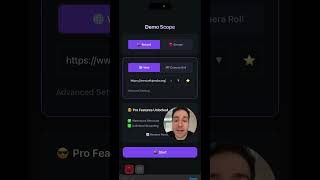
Recording professional demos, tutorials, or presentations on your iPhone just got easier. DemoScope's built-in teleprompter feature lets you read your script while recording your screen, so you never lose your train of thought or stumble over your words.
Unlike other screen recorders that force you to memorize everything or awkwardly glance at notes off-screen, DemoScope displays your script directly on your iPhone screen. The teleprompter scrolls automatically at your preferred speed, keeping pace with your natural speaking rhythm.
Perfect For:
- Product demos - Hit every feature point without missing a beat
- Tutorial videos - Guide viewers through complex processes step-by-step
- Marketing content - Deliver polished, professional messaging every time
- Course creators - Record consistent, well-structured lessons
- Live streamers - Keep talking points visible during broadcasts
Key Teleprompter Features
The DemoScope teleprompter is designed for mobile-first recording. Customize the scroll speed to match your speaking pace, adjust font size for easy reading, and position the teleprompter where it works best for you. The semi-transparent overlay ensures your script is always visible without obscuring your demo content.
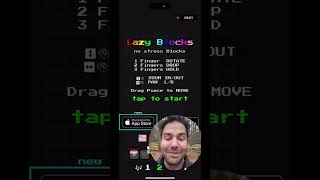
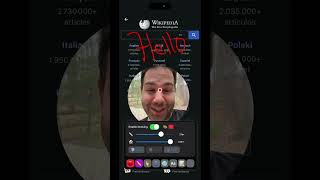
Combined with DemoScope's face cam overlay and touch indicators, the teleprompter makes it possible to create studio-quality content directly from your iPhone. No external monitors, no separate apps, no complex setup - just open DemoScope, paste your script, and start recording.