Set Up Clip Mode
What is Clip Mode?
Clip Mode lets you record in the background while you play, then save just the last 10, 15, 30, 45, or 60 seconds when something cool happens. Perfect for gaming highlights, near-misses, and moments you want to keep for your reel without combing through hours of footage.
One catch: because Demo Scope records from the background, iOS won't let the app show its own buttons over your game. You'll need to add a clip shortcut somewhere you can reach quickly. Here are the three ways to do it.
See Clip Mode in action
A short Subway Surfers session - playing the game, tapping the iPhone Action Button to save highlights mid-run, then opening the camera roll to find each clip waiting.
Watch the setup walkthrough
A quick video tour of all three setup options, end to end.
Three ways to grab a clip
Pick whichever feels most natural. You can set up more than one - they all save clips to your camera roll the moment you tap them.
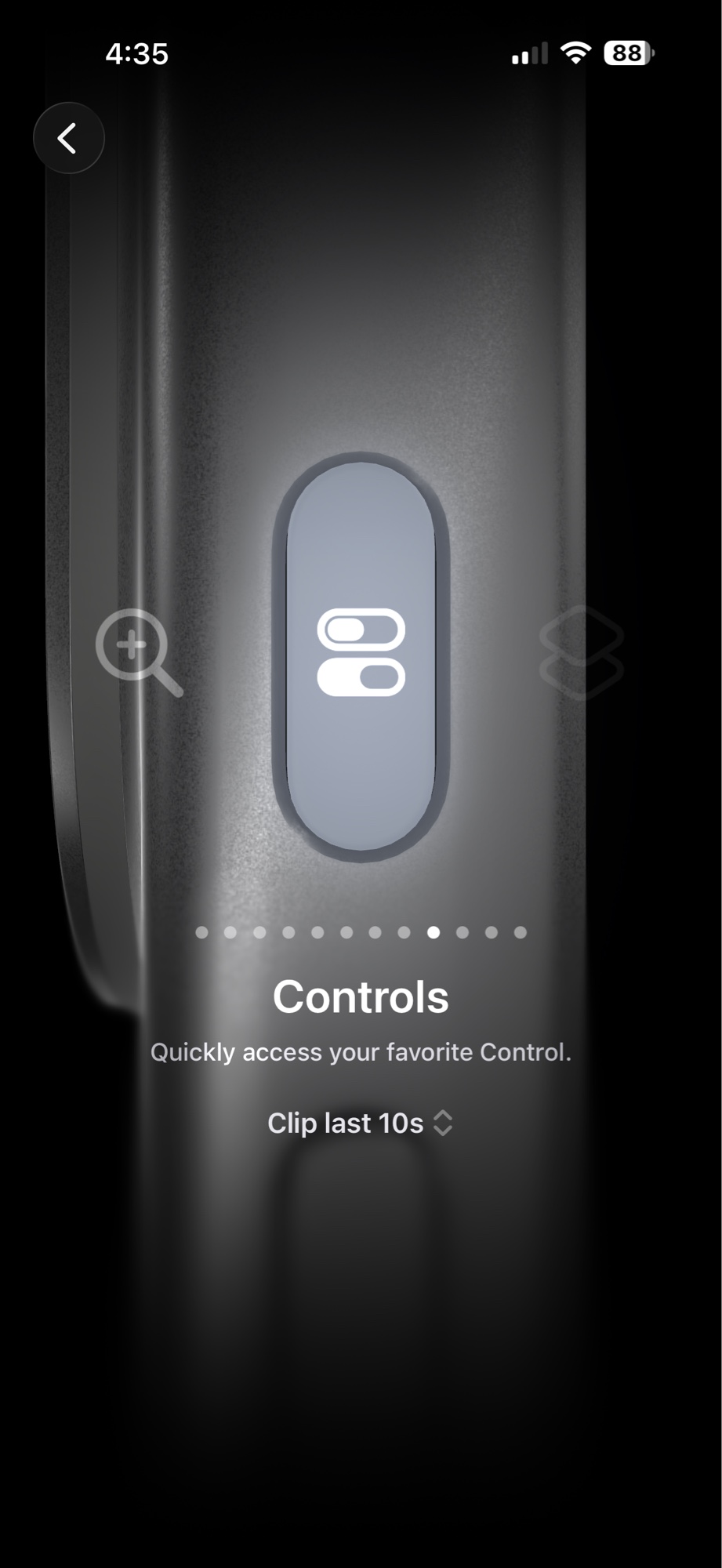
Action Button
If your iPhone has an Action Button, this is the fastest path. Open Settings → Action Button, swipe to Controls, and pick a Clip last 10s / 15s / 30s / 45s / 60s shortcut. Now a single press during gameplay saves your highlight.
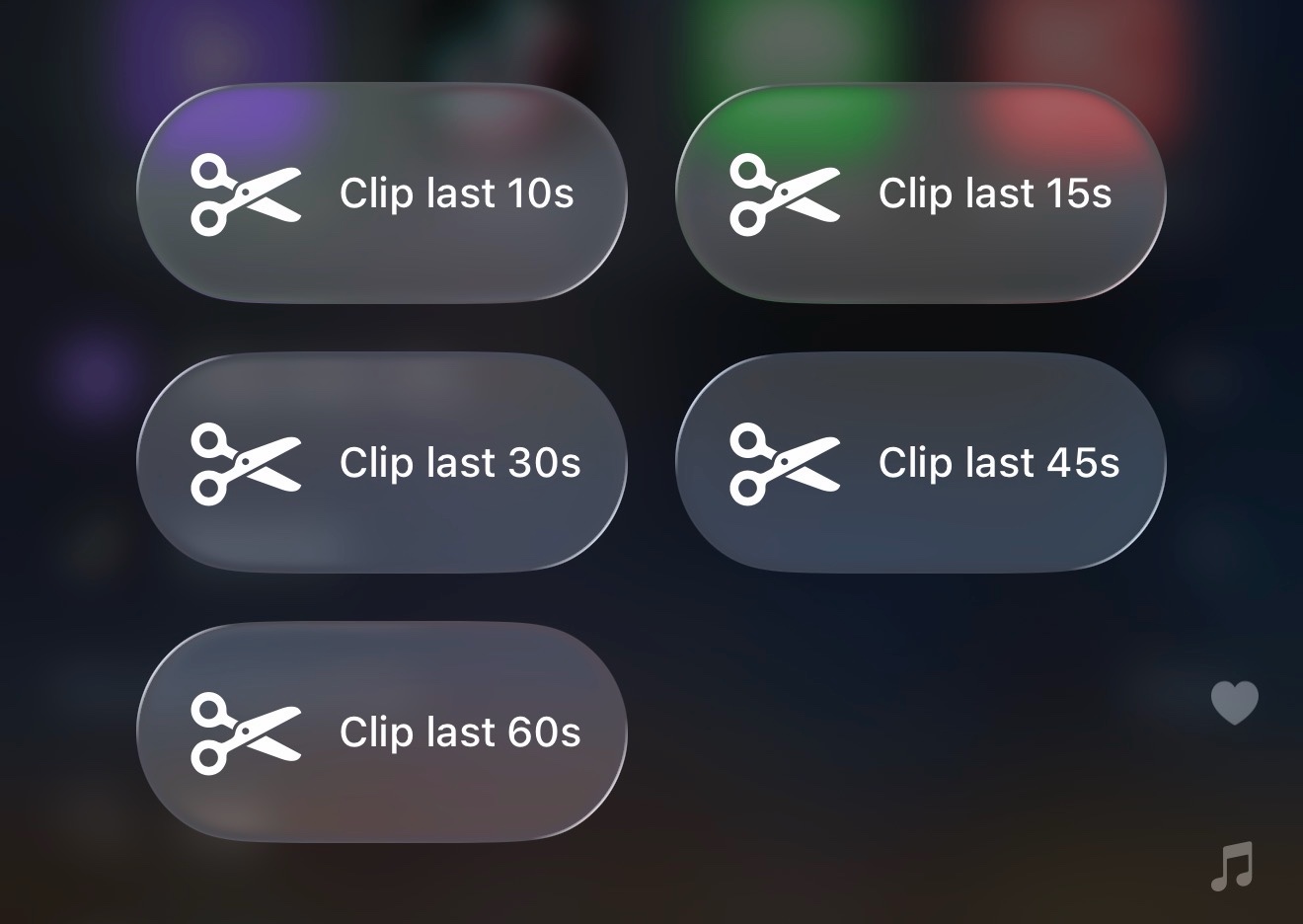
Control Center
Add the Demo Scope clip controls to Control Center and you're one swipe away from a clip. Open Settings → Control Center, tap Add a Control, and pick the durations you use most. Swipe down from the top-right corner mid-game and tap to save.
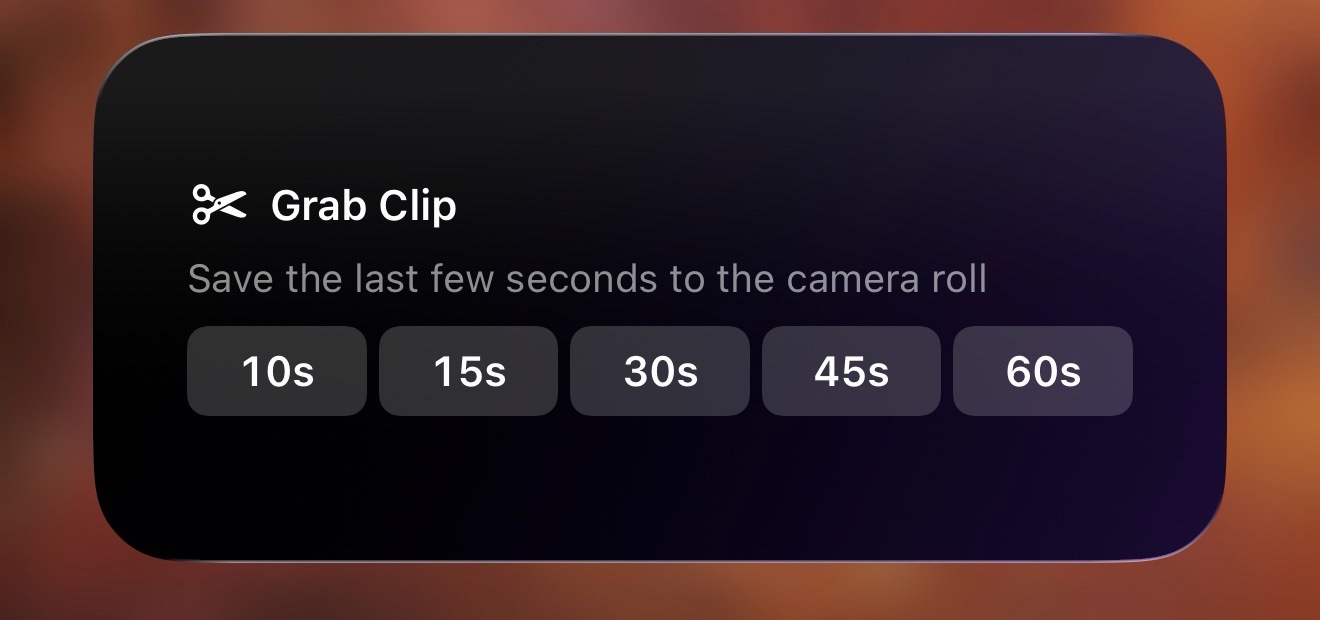
Home Screen Widget
Long-press your home screen, tap the + in the corner, search Demo Scope, and add the Grab Clip widget. All five durations sit side by side, ready to tap whenever you swipe back to your home screen.
End the session, see all your clips
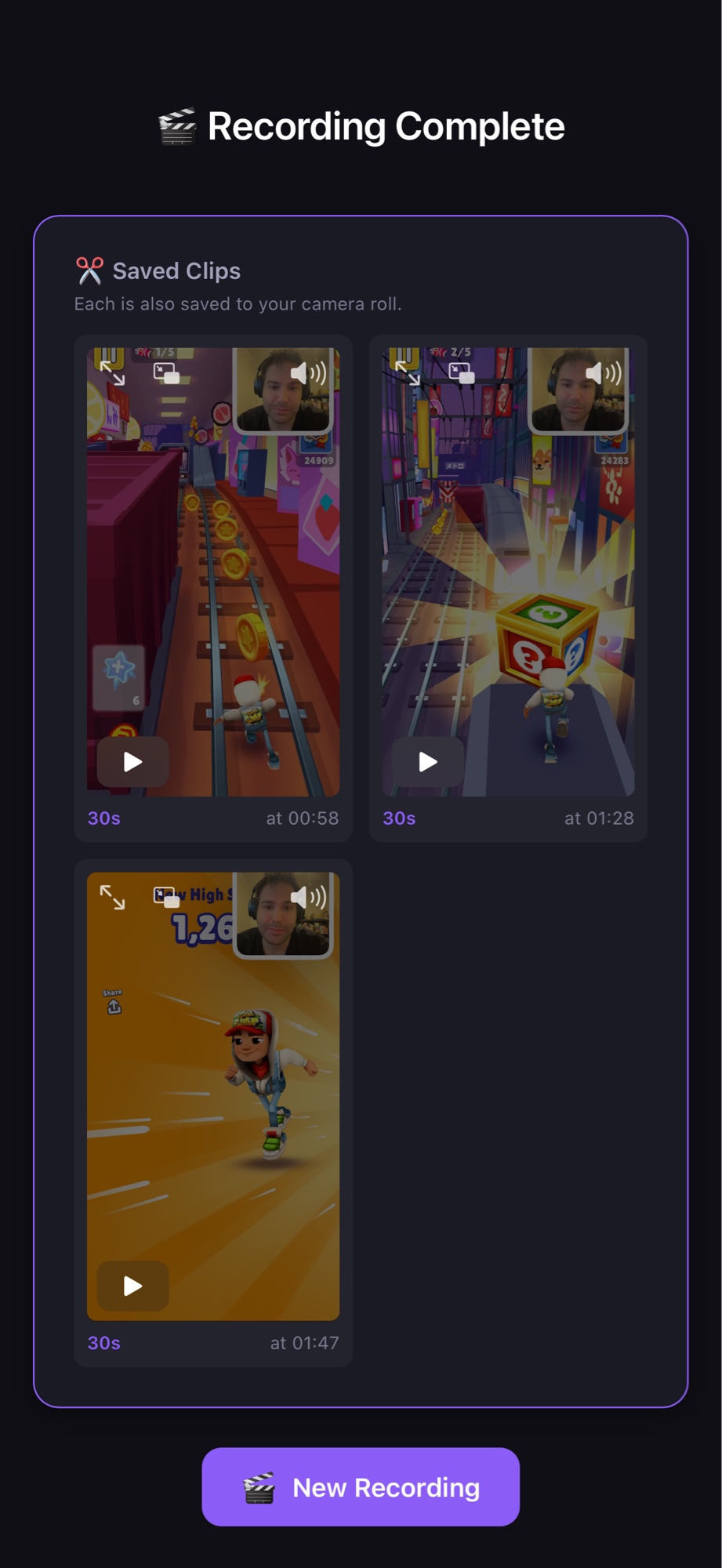
The clip buttons only fire when a Clip Mode session is live. Tap them as many times as you want - each clip saves straight to your camera roll, no interruption to your game.
When you stop the session, Demo Scope shows a summary of every clip you grabbed so you can review and share. Here's a quick Subway Surfers run with three saves in under two minutes.
Ready to capture every highlight?
Download Demo Scope and set up Clip Mode in under two minutes.
